From early-stage feasibility to detailed engineering, Virto.MAX and Virto.CAD help solar teams design commercial and industrial rooftop solar projects faster, with accurate PV layouts, integrated electrical design, and real-time shadow analysis.
Create Designs for Any PV Project Without Sizing Limitation
Integration
Compatible with Virto.CAD
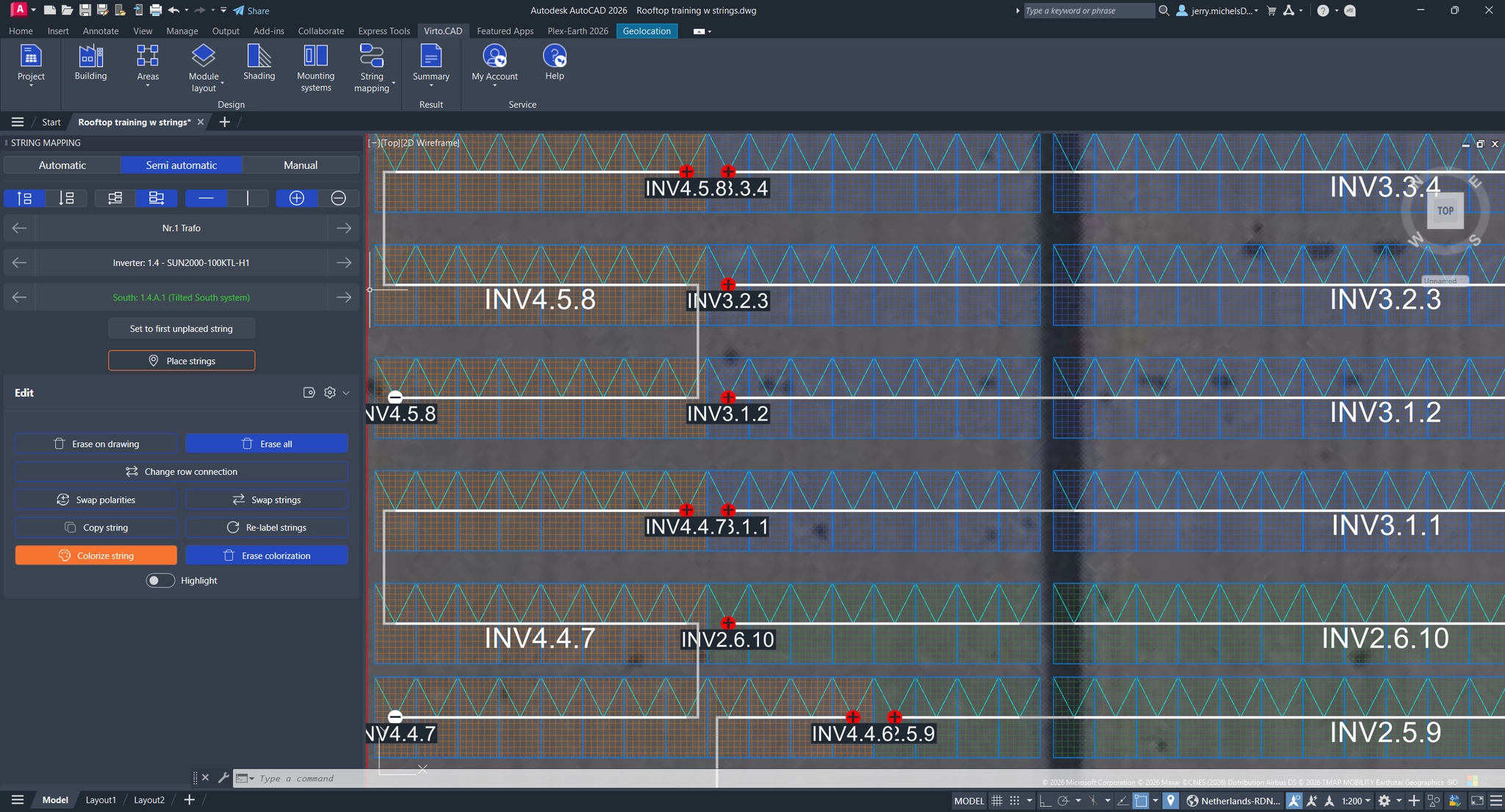
Once the investment decision is made, the project can be exported to DWG for further development in CAD tools, avoiding the need to restart from scratch. This preserves the work done in Virto.MAX, saves time, and enables a smooth transition from design to detailed engineering.
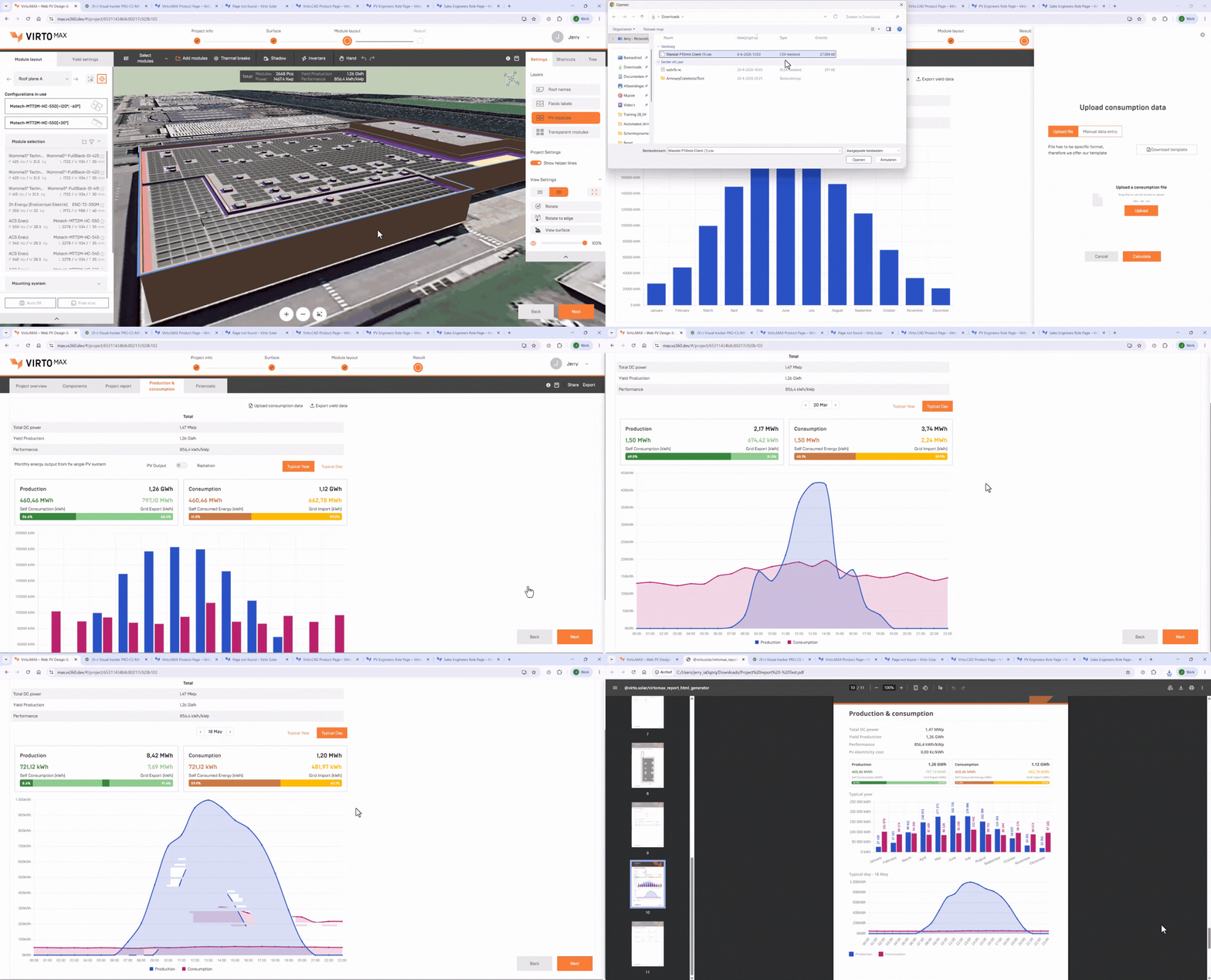
Upload electricity consumption data to compare energy production and consumption in one place, giving you deeper insights into system performance and self-consumption.
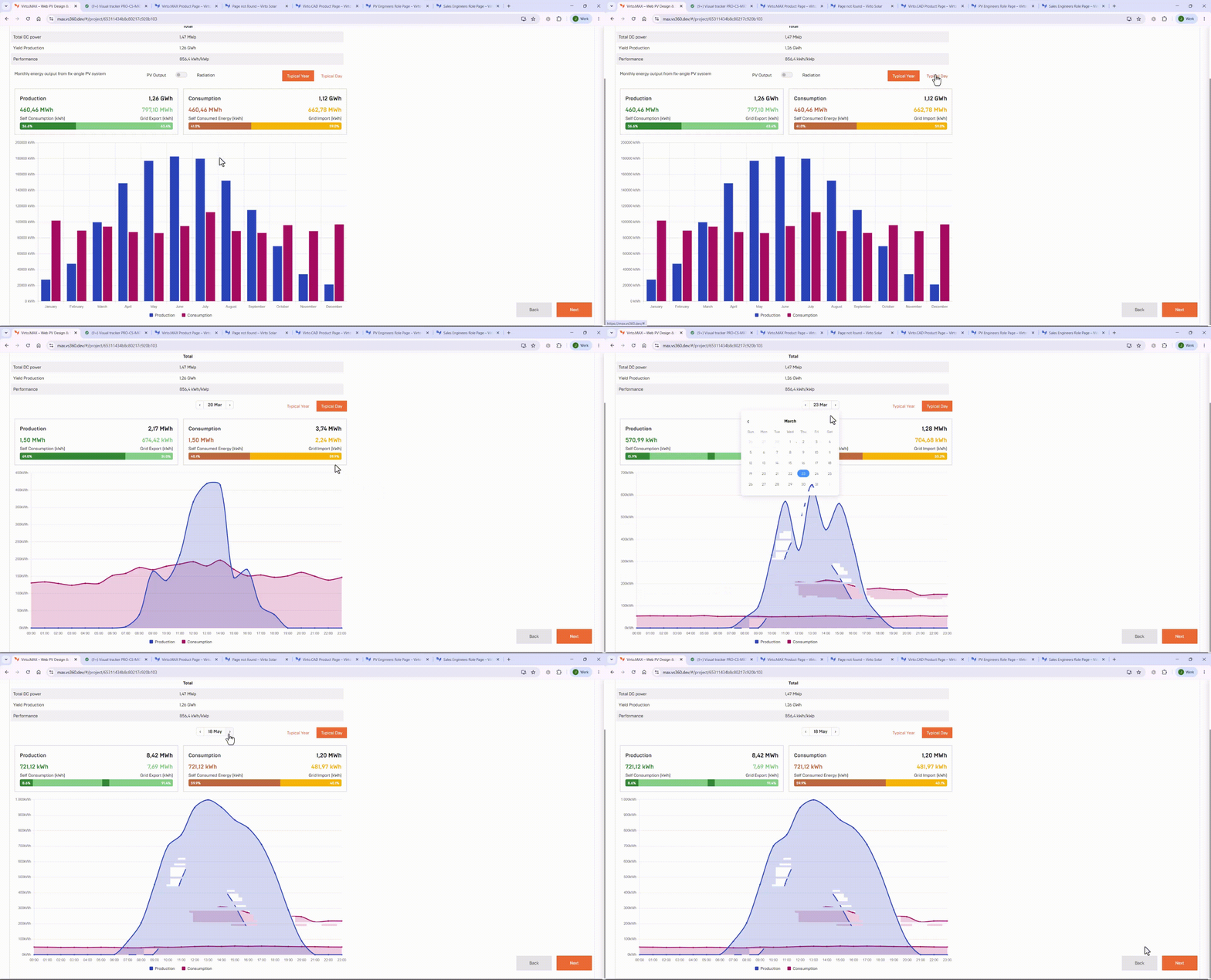
Analyze production and consumption with interactive daily and yearly charts
Include production and consumption metrics in stakeholder-ready project reports
Understand project returns and long-term value through key financial metrics and cashflow analysis. Compare options and make confident investment decisions.
Gain accurate insight into system performance using real site and design data. Simulate energy yield, understand production and consumption, and seamlessly export results to PVsyst.
Bridge the gap between design and delivery with a connected PV workflow. Collaborate with your team through shared project access, win over stakeholders with brandable reports, and streamline engineering with frictionless .DWG exports and PVsyst-ready data.
You can create teams to collaborate with colleagues, where projects are automatically shared with all members for easy access and continuity, even during absences or handovers. Projects outside a team can still be shared, but this requires manual sharing.
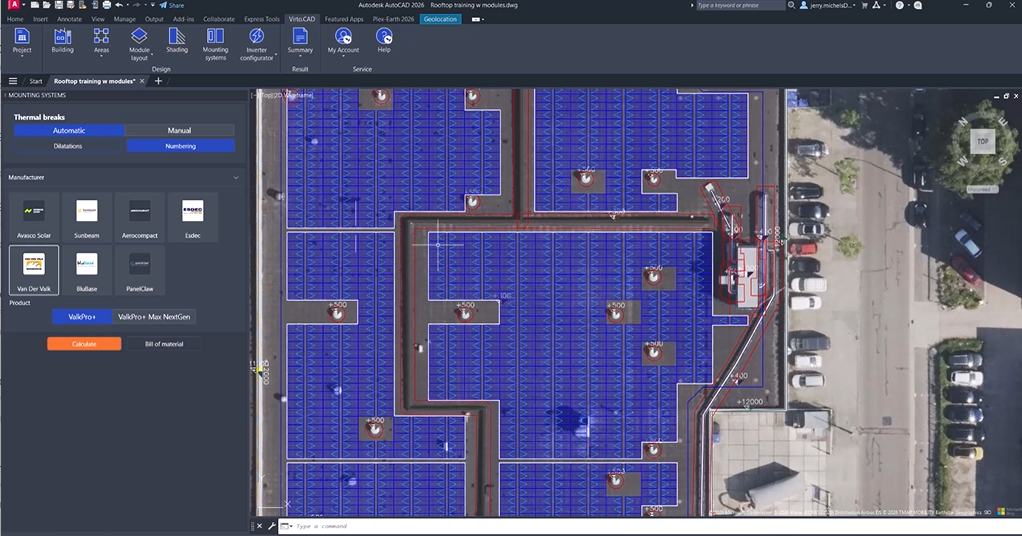
You can adjust thermal break positions to better match design requirements. This helps keep obstacles accessible, avoids small panel fields with high roof point loads, and improves layout quality and aesthetics.
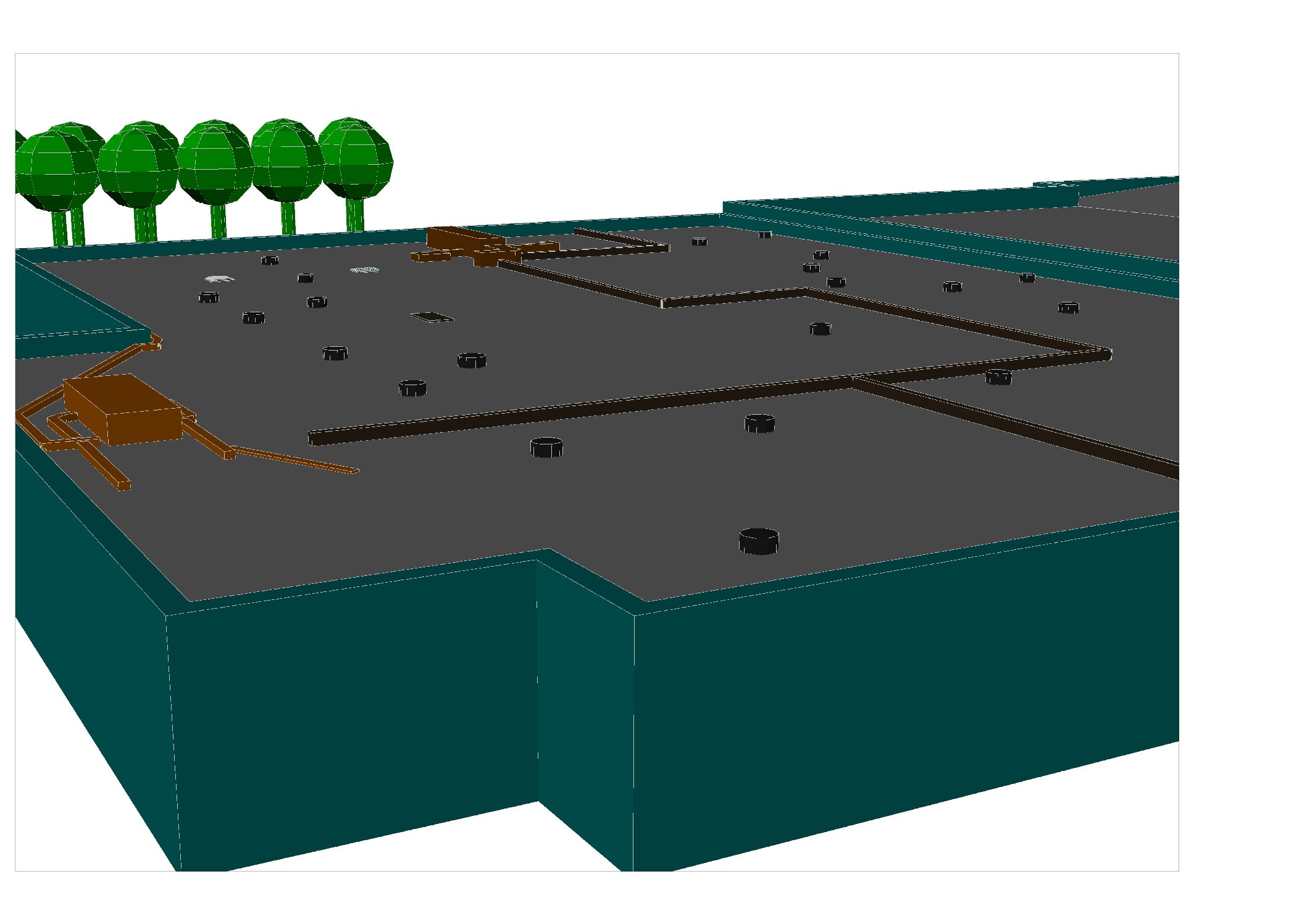
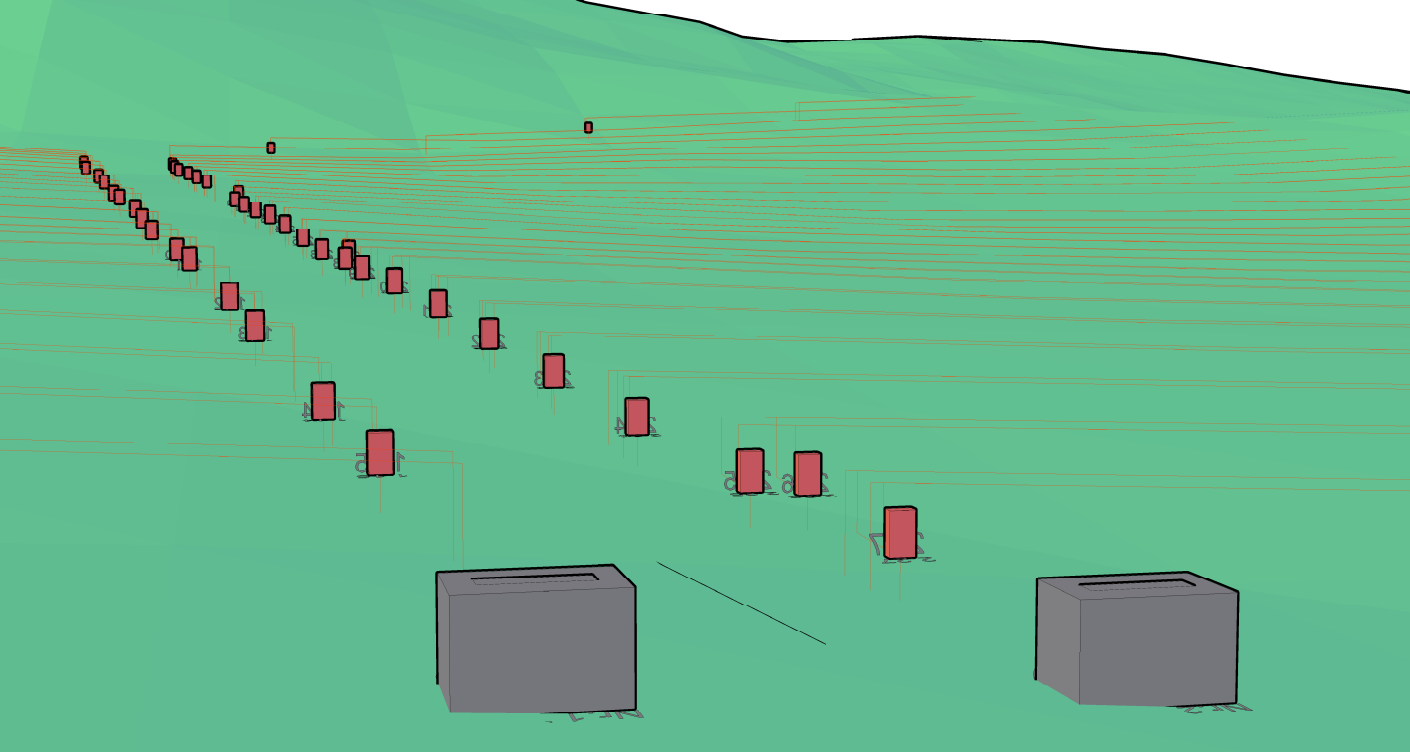
Based on drone footage, Virto.MAX can generate an accurate 3D model of the project site. This provides a reliable, real-world basis for design, making subsequent planning steps more precise.
Virto.CAD connects solar layout design with real mounting system logic, helping engineers move from concept to execution with greater speed, accuracy, and structural confidence.
Ballast calculation for secure rooftop installations
Wind and snow load calculations for structural compliance
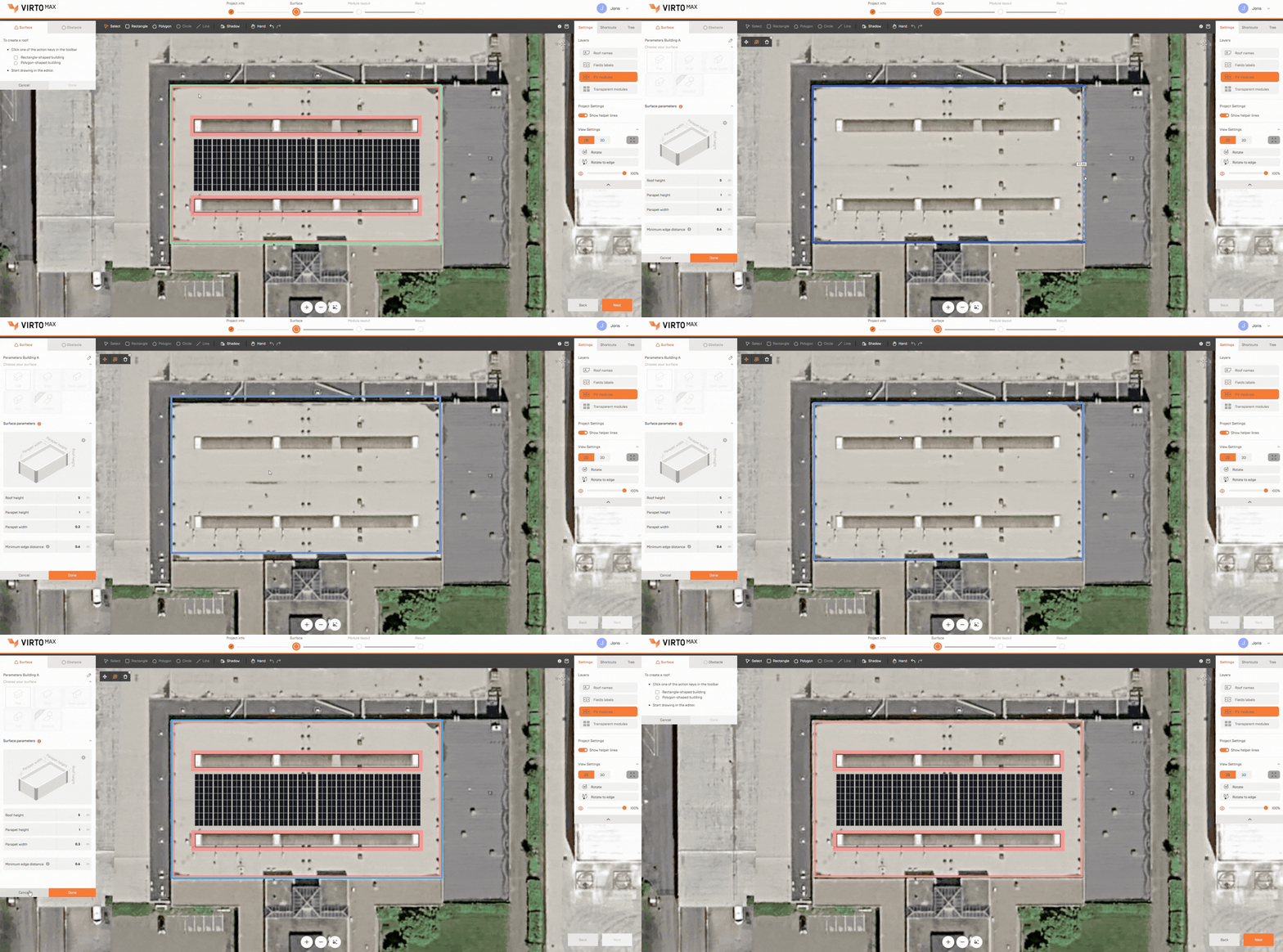
Generate optimized PV layouts faster with intelligent placement tools designed for real-world solar projects. Adapt layouts to terrain, obstacles, and site constraints while refining module spacing, orientation, and system configuration with flexible design controls.
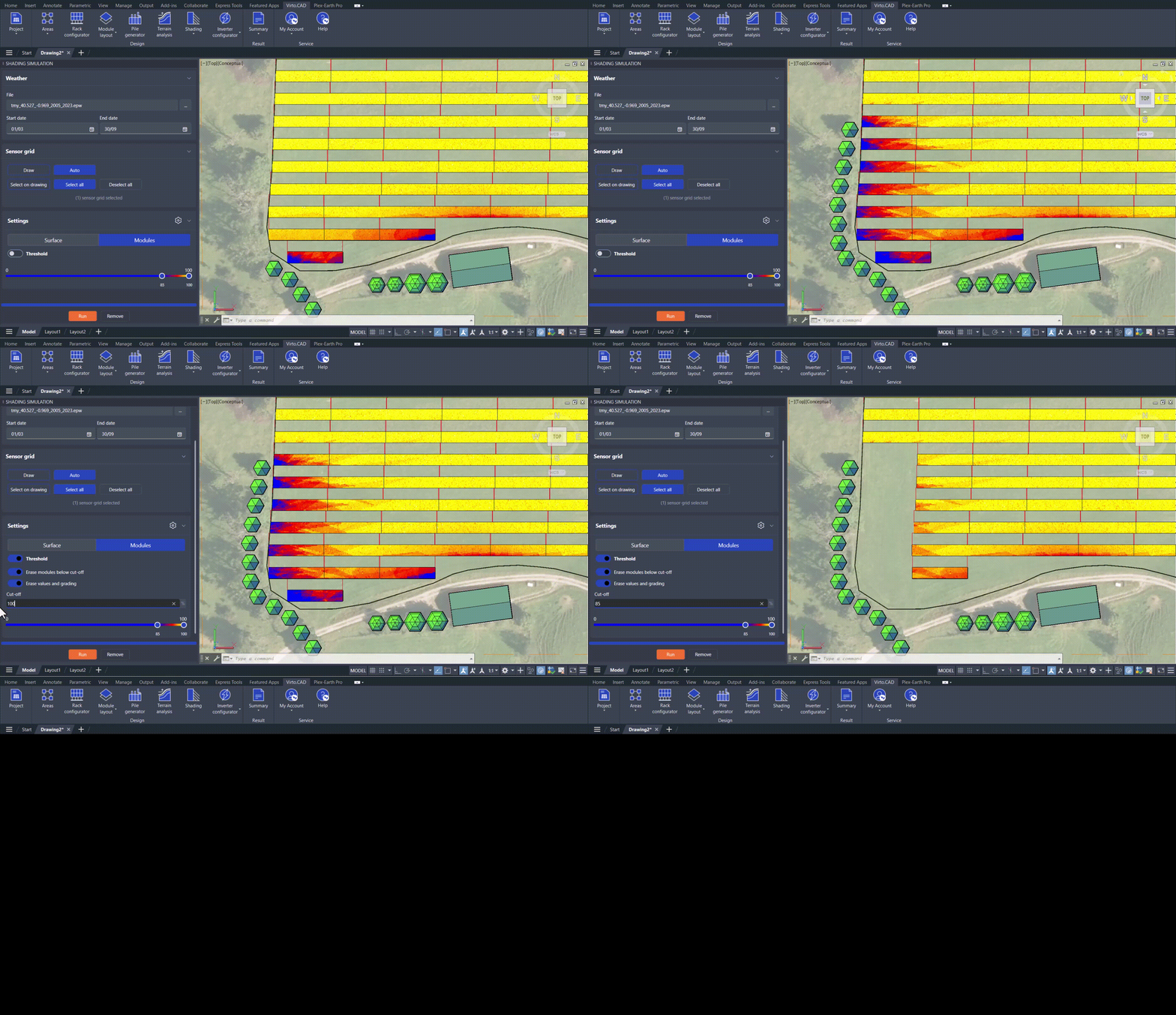
Evaluate solar shading impact with time-based simulations that account for surrounding buildings, terrain, and site obstacles. Identify high-impact shading areas early and optimize PV layouts for real-world site conditions.
Evaluate solar opportunities faster with rapid feasibility studies, conceptual layouts, and optimized system configurations for early-stage project development.
Design solar projects with greater precision using integrated engineering workflows, flexible CAD tools, and construction-ready outputs built for real-world project requirements.
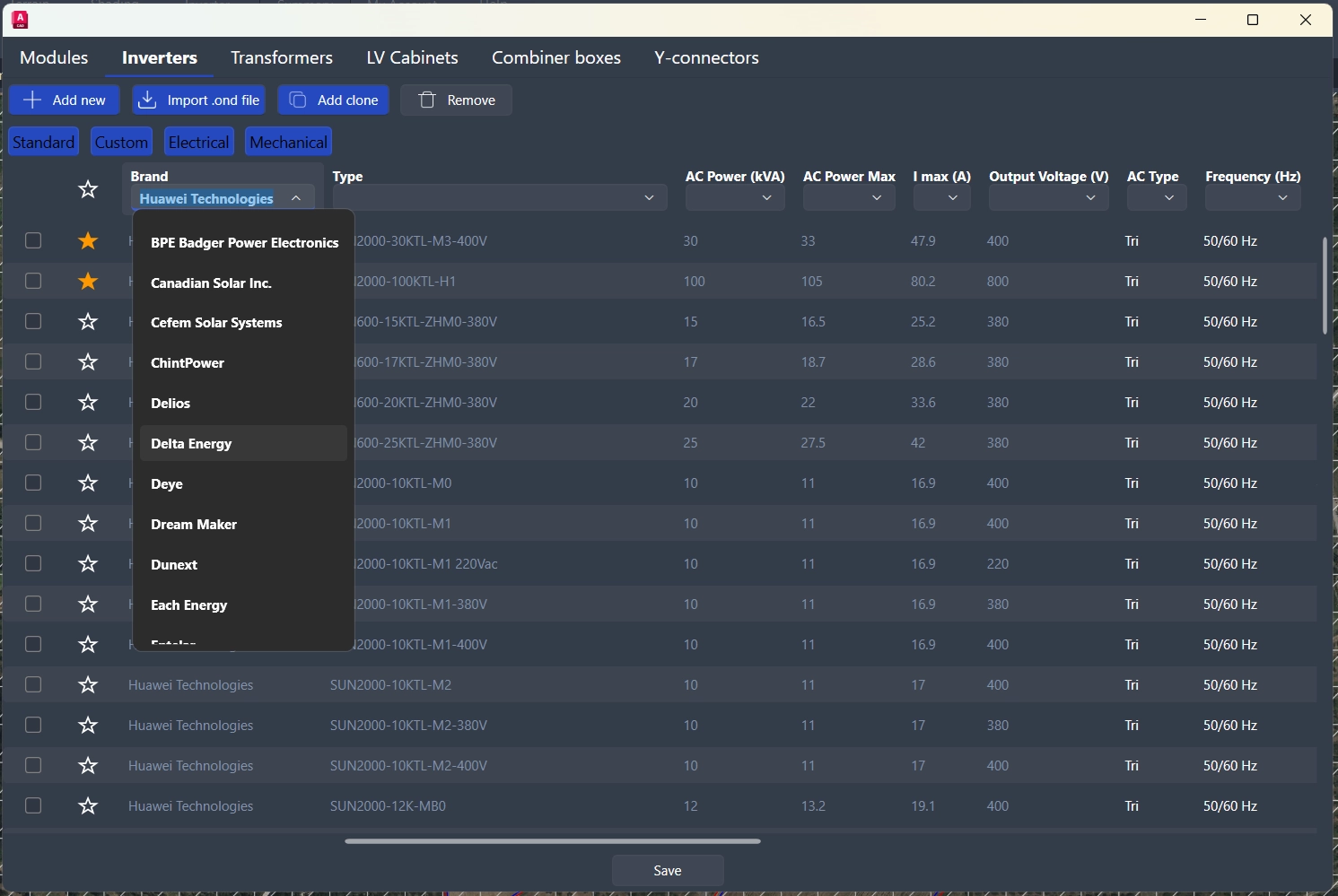
Standardize solar engineering workflows and deliver construction-ready projects faster with a flexible CAD-based ecosystem that helps EPC teams share component databases and collaborate on consistent solar designs.